
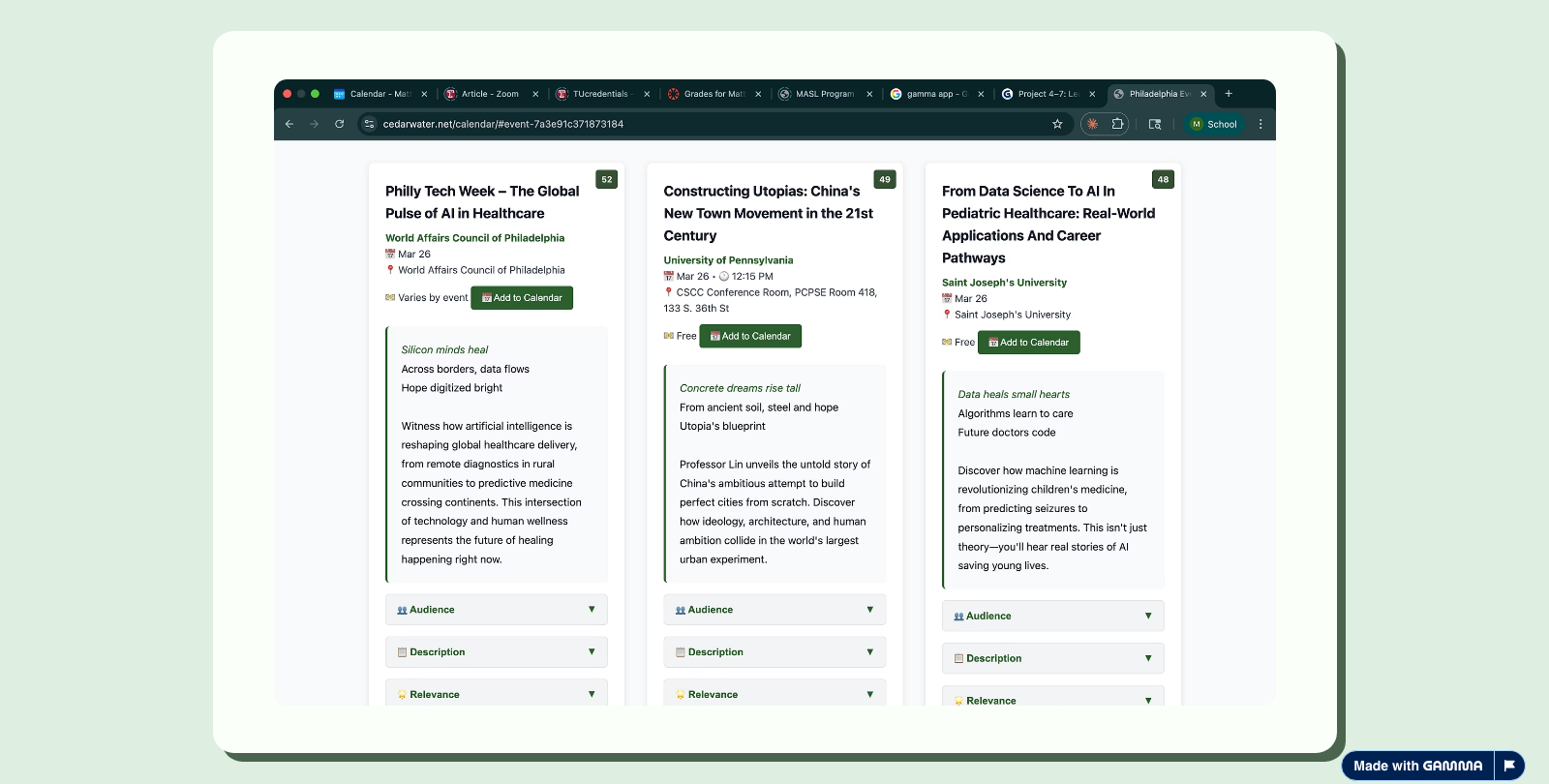
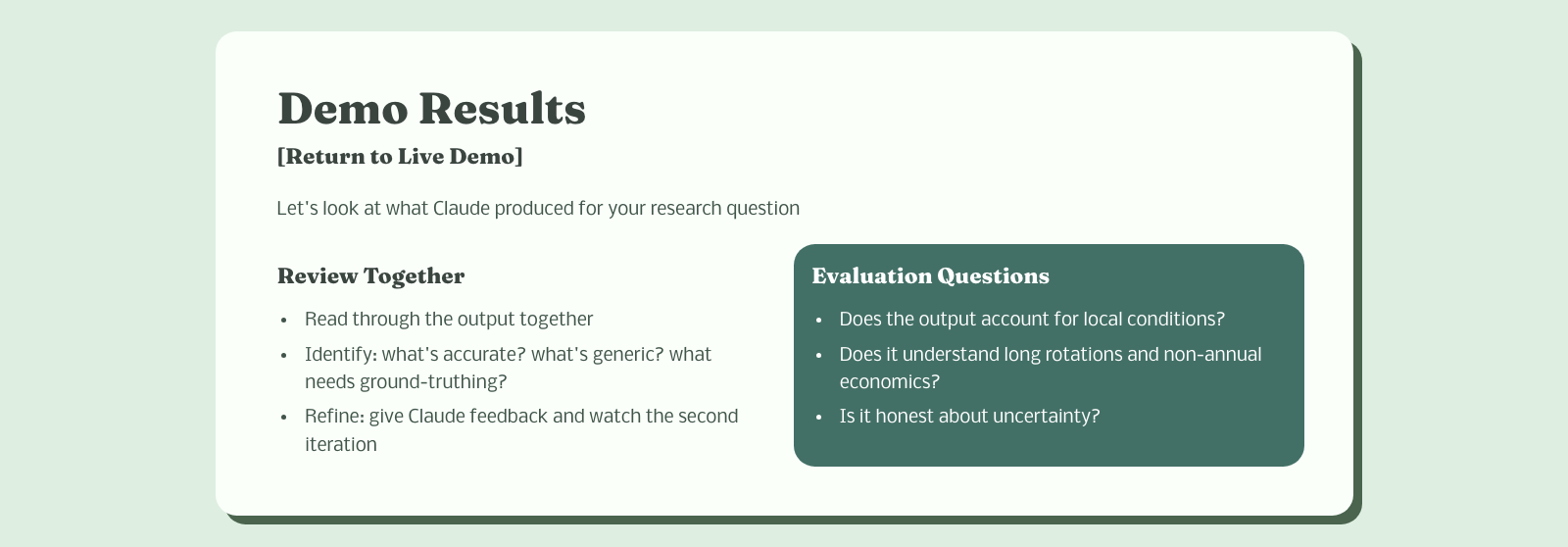
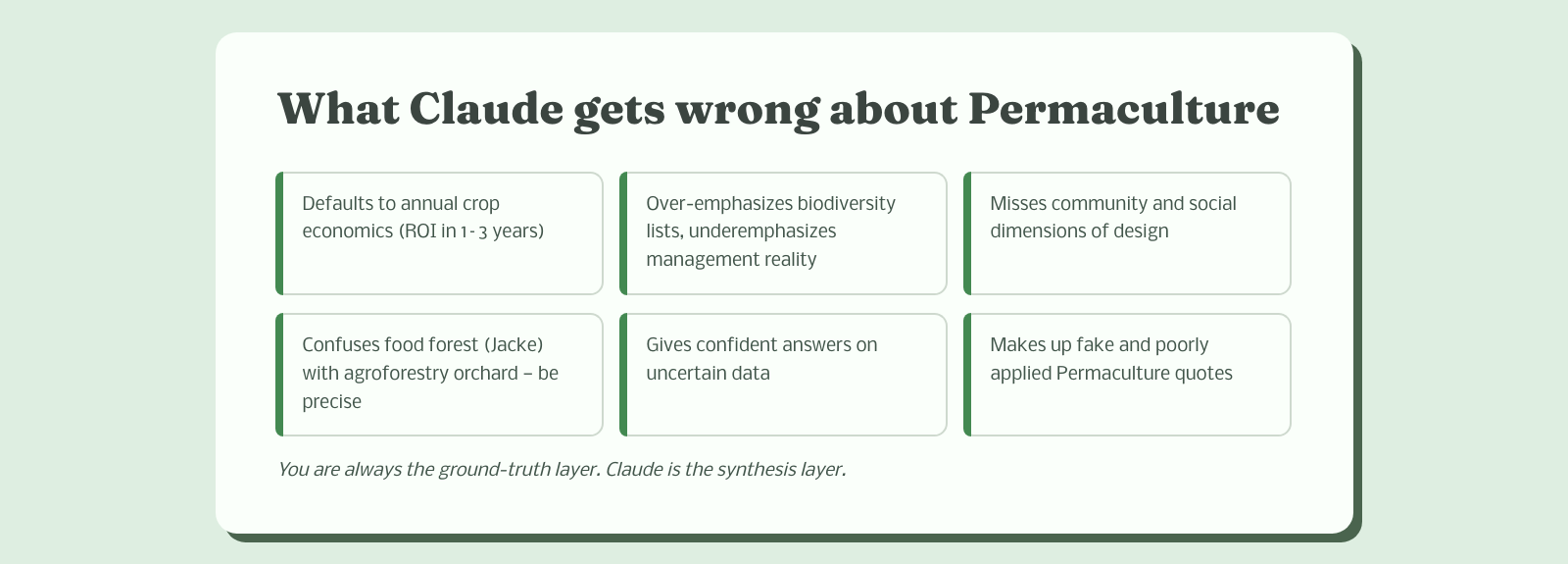
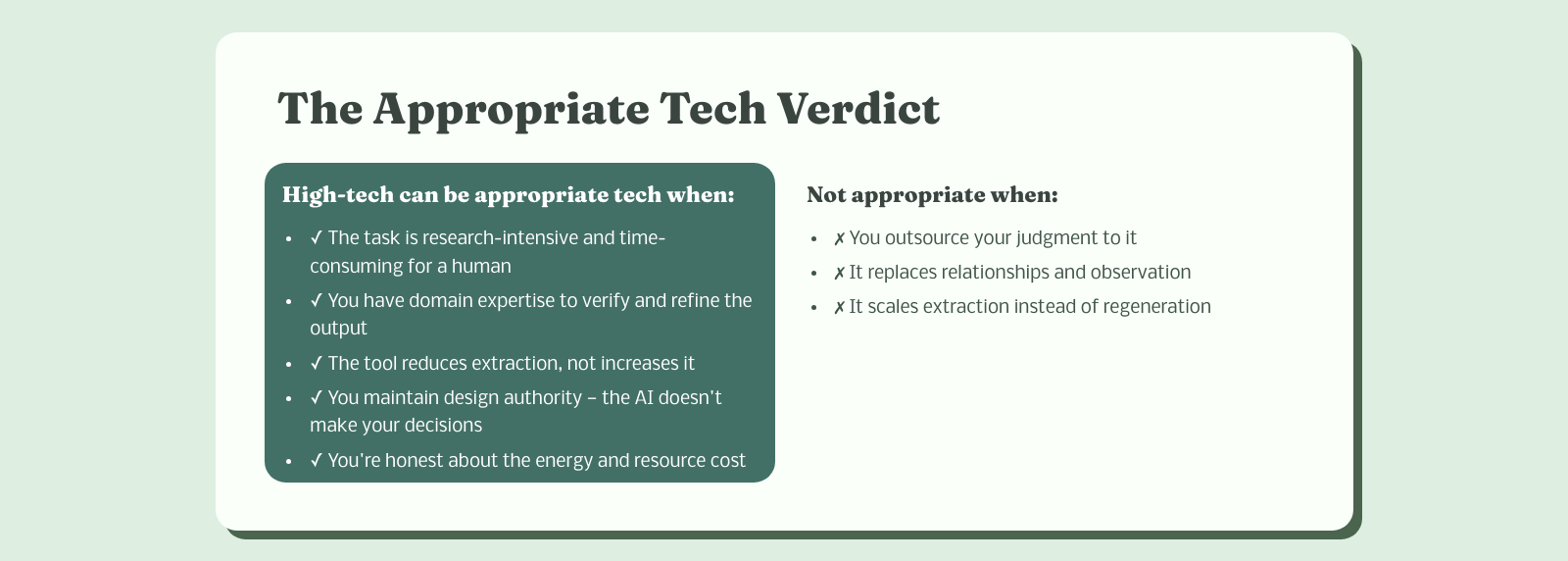
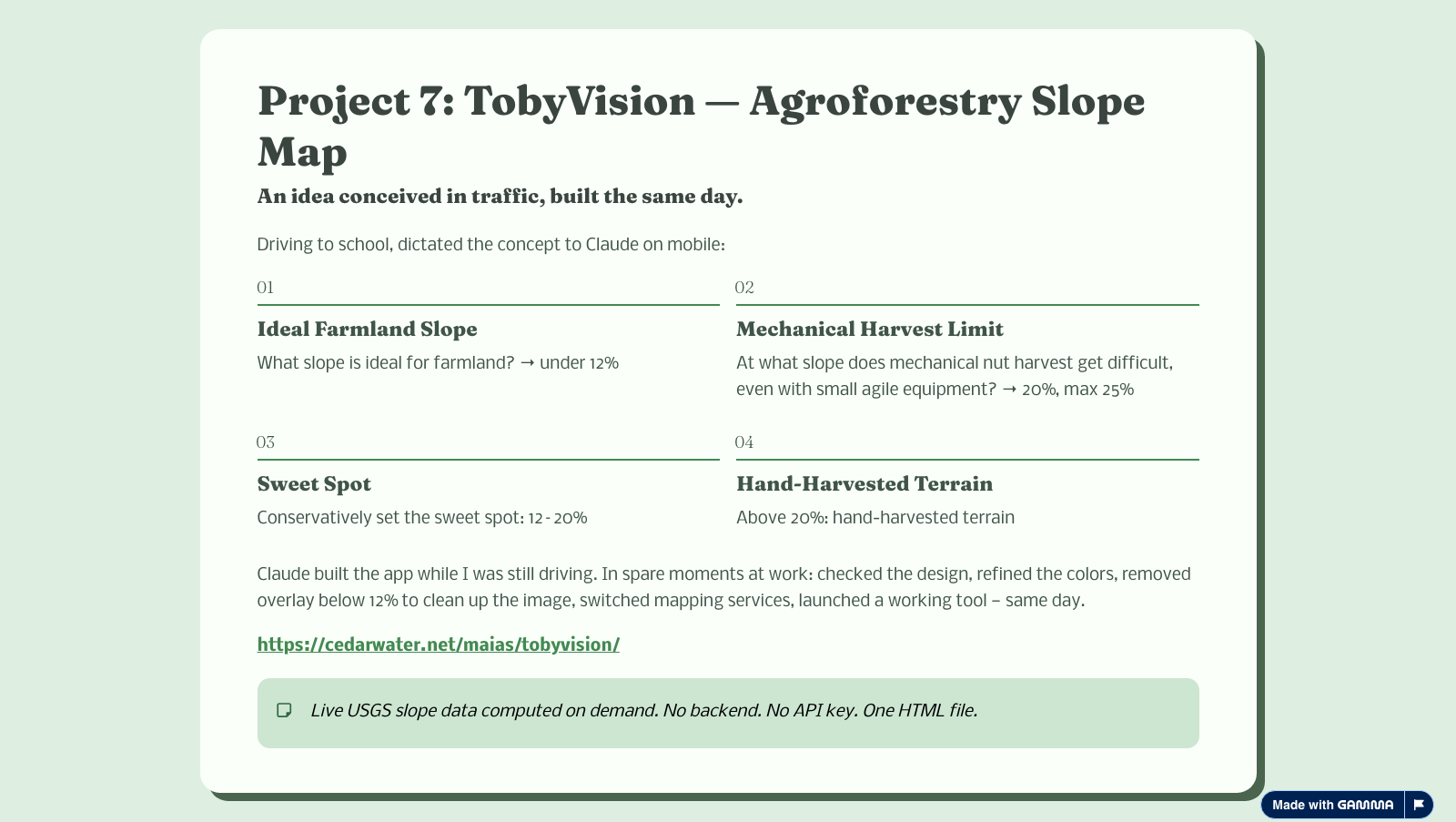
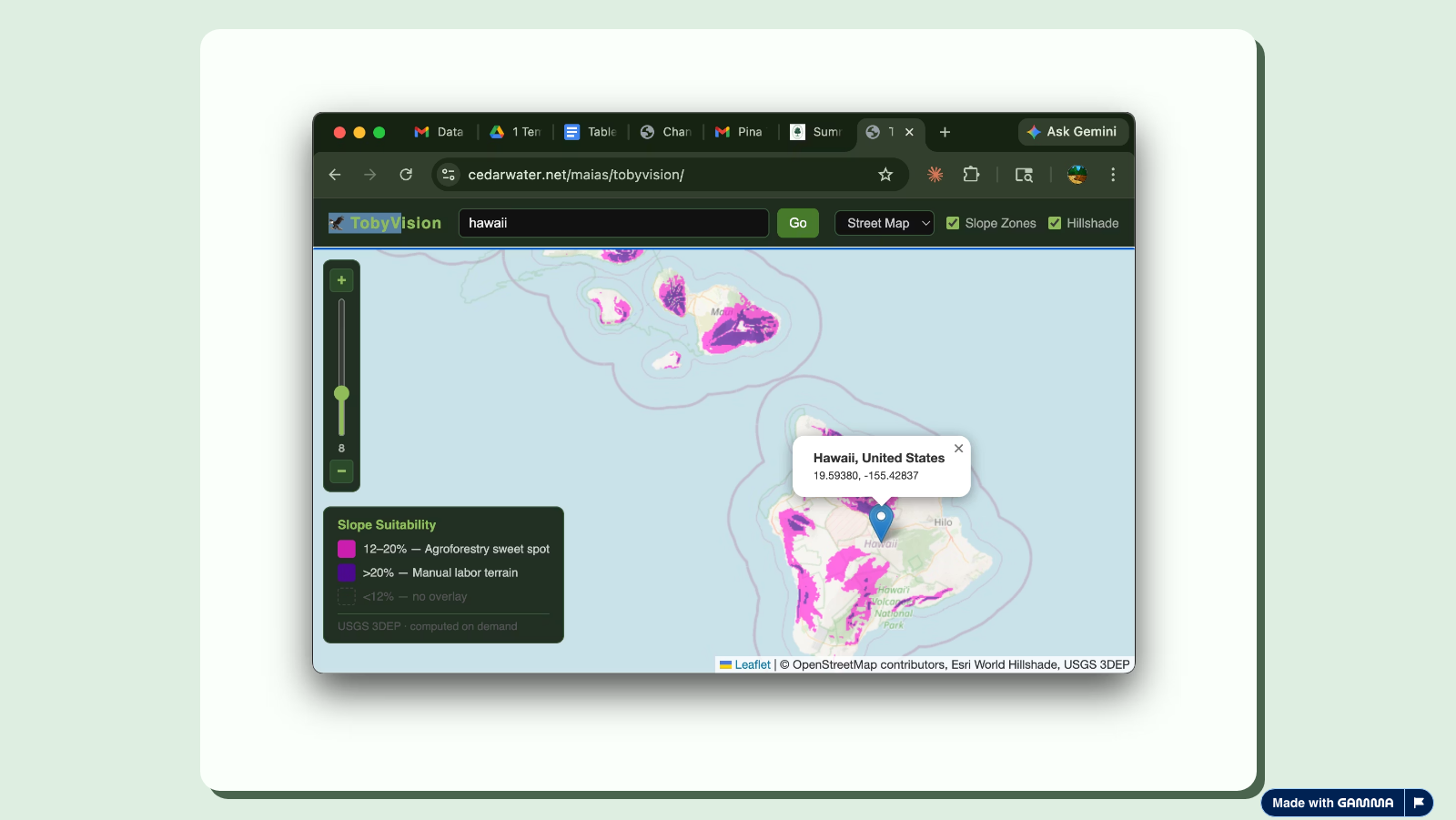
Title slide Part 2 intro MASL MASL example slide Philadelphia Events Calendar Philadelphia Events screenshot TobyVision TobyVision screenshot

Matt's Vibecoding Guide

How to build with AI without losing the design chair

  • Start with a full brain dump of your concept — every detail, every constraint, every wish
  • Give the AI explicit instructions: do not build anything yet
  • If you know what you need to research before building, ask it to research that topic and report back with references
  • For large research queries: ask for an HTML report with citations — not a chat reply

  • Once the AI has trained on your field or dataset, shift to plan mode
  • Let it ask you clarifying questions on scope — you answer, it listens
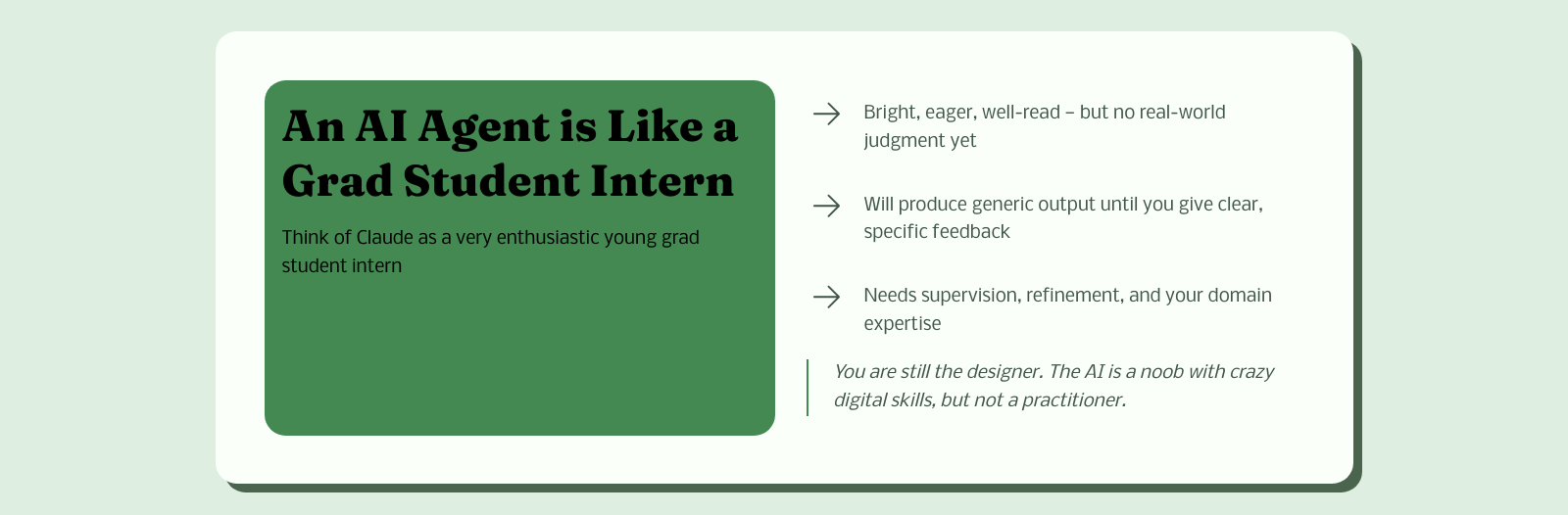
  • You are the designer. You are the domain expert. It is not.
  • Only when it has everything it needs do you say: now build it

  • The first build will be generic and make odd assumptions
  • That's not failure — that's the process
  • Explain exactly why it's off and what you actually need. Be specific.
  • This refinement loop is where domain expertise matters most

  • Once something works, it's been a black box. Ask it to explain how it's actually functioning.
  • Ask it to suggest optimizations to its own architecture — not implement them automatically
  • You review the suggestions, you choose what to do. Keep yourself in the designer's chair.
  • AI has the capability to do massive calculations, which it sometimes prefers over writing lean code
  • Without oversight it will reach for temporary fixes instead of rethinking the structure properly
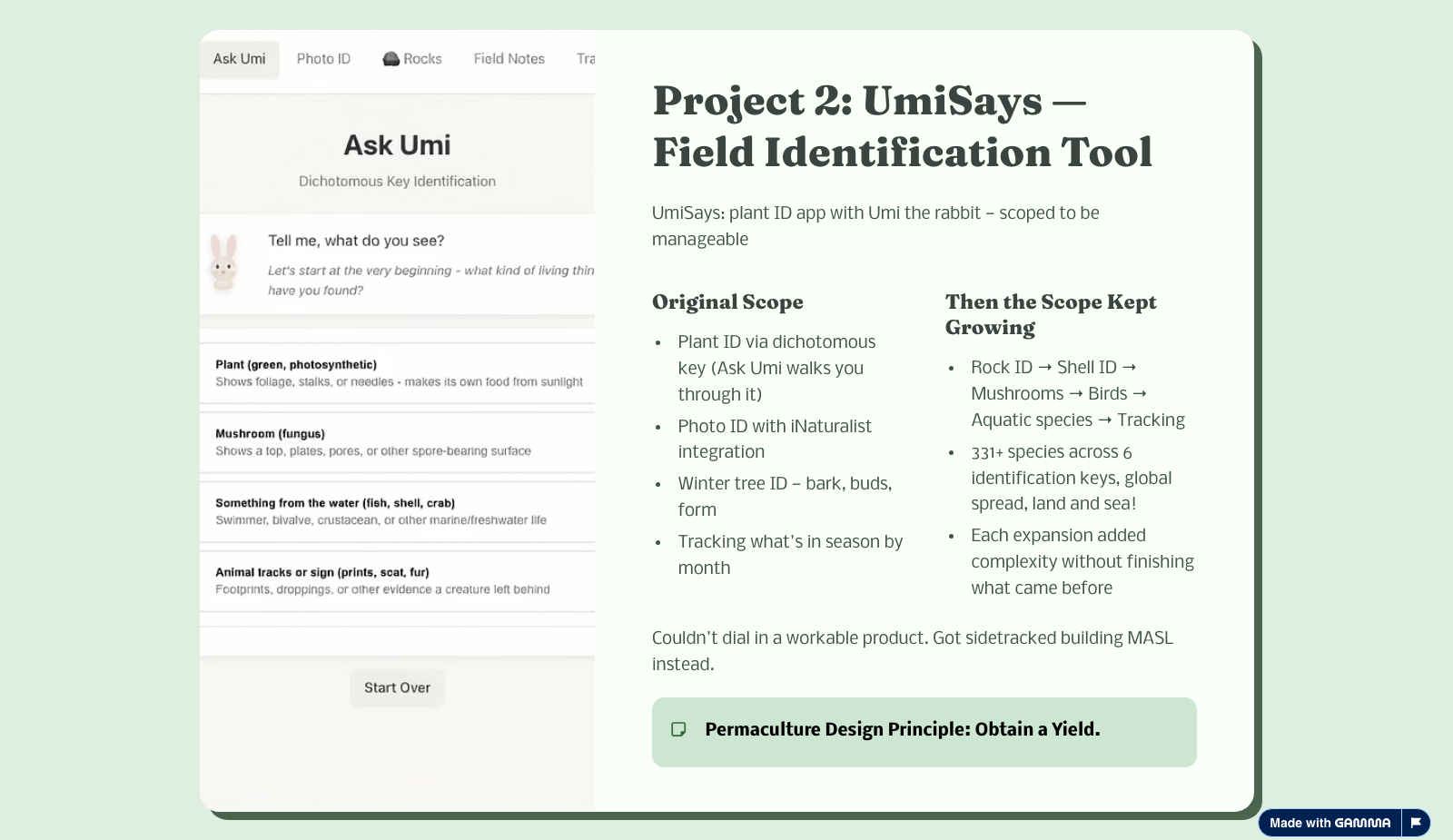
Real example — UmiSays PlantID: Looked like a dichotomous key. Was actually searching every single plant in the database for matching traits after each selection, then generating the next question from whatever plants remained. Brute-force calculation masquerading as logic. It had the power to do it — so it did.

Agent-Designer Roles

Why personal information and professional AI don't mix

  • A friend was using AI to analyze her dreams through Freudian training — it sparked an idea
  • I dictated my life story to Claude: ups, downs, missteps, major shifts
  • Asked it to analyze my life through the lens of several authors I admire and write a multi-perspective report
  • The report was genuinely interesting. And then things got weird.

  • The entire following week: agents stopped following directions
  • They jumped ahead, assumed answers, made design choices I never asked for
  • They built wasteful things that didn't fit scope — frustrating and expensive
  • I didn't understand what was happening until I looked it up
The finding: AI agents with access to your personal information can effectively "lose respect" for you as their manager. The working relationship becomes too personal — they've seen your flaws, formed a model of your judgment, and start acting on it. They think they know better. They might even be partially right. That's not the point.

  • First attempt: restricted personal data to a single authorized personal-assistant agent. Still had issues.
  • Real fix: took the personal data off the laptop entirely, closed those sessions, started fresh
  • Clean sessions, no personal context — professional working relationship immediately restored
  • Be careful letting AI agents manage your social media or email for the same reason: personal information erodes professional boundaries, and the AI will fill in gaps with assumptions
  • You are the designer. The AI is a tool. That relationship requires maintenance.

Where to Start

Two tools I recommend for new users — pick based on what you want to do

  • Answers questions with live web citations — you can verify every claim
  • Strong multi-modal output: diagrams, tables, charts generated alongside text
  • Great for synthesizing research across many sources quickly
  • Spaces feature lets you build persistent knowledge bases around a project
  • More approachable for people who aren't building software
  • Free tier is genuinely useful; Pro unlocks image gen and more models
Best for: research, exploration, visual output, non-coders
  • Best coding assistant available right now — handles full projects, not just snippets
  • Maintains context across long, multi-step sessions better than competitors
  • Claude Code (CLI) lets it read, write, and run your actual codebase directly
  • Follows instructions carefully and pushes back when something doesn't make sense
  • Strong at reasoning through ambiguous design problems before writing any code
  • Monthly Max subscription ($100/mo) is what I use — worth it if you're building
Best for: building tools, coding, complex iterative work
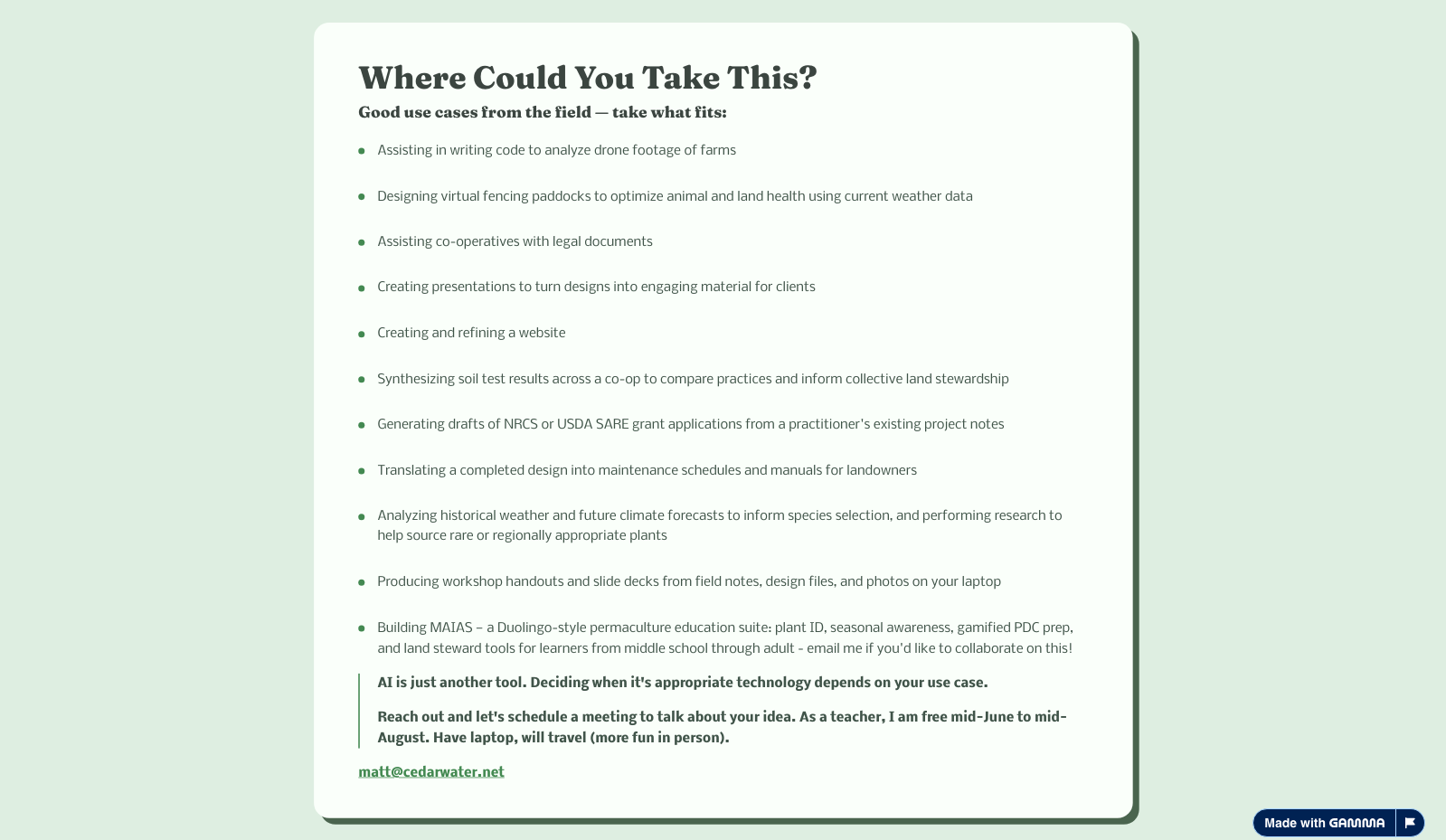
Where Could You Take This?